
A business presentation lives or dies on whether the back row can read the slides. When you rent a projector for an office presentation, a client meeting, a training session or a sales kickoff in Dallas-Fort Worth, the picture has to stay sharp with the room lights up, the laptop has to connect on the first try, and the presenter has to be heard as clearly as the slides are seen.
The presentation projector we send out most is the Epson PowerLite 700U, a laser-powered ultra short throw projector with 4,000 color lumens. Every projector rental is delivered, set up, tested and picked up by the same crew that handles our sound and lighting, with a technician available to stay through the program when the meeting calls for one. If you already know what you need, our projector and screen rental page lists the full inventory.
Choosing a projector for presentations in a meeting room
A conference room or a hotel meeting room asks different things of a projector than a home theater does. The room usually stays lit so people can take notes, the screen sits close to the front row, and the presenter walks back and forth in front of it.
That is why we lean on a laser ultra short throw projector for business presentations:
- 4,000 color lumens keeps slides readable with the overhead lights on
- it sits a short distance from the screen, so the presenter walks freely in front of the slides
- the laser light source is steady from the first slide to the last
- it leaves the middle of the room clear for tables and people
For a larger general session, we pair the projector with a bigger screen sized to the last row of seats, and our projector and screen rental page explains how we match the two.
What is an ultra short throw projector?
An ultra short throw projector creates a large image from a very short distance away from the screen. At a meeting or training session, that keeps the light out of the presenter’s eyes, keeps shadows off the slides, and frees up the space where a cart or a ceiling mount would otherwise go.
Screen size for an office presentation
A good starting point is a screen whose image height is about one sixth of the distance to the farthest seat. A small boardroom reads well on a modest screen on a stand, a training room for a few dozen people wants something larger, and a ballroom general session moves up again. We size the screen when we quote, from the room and the headcount you give us.
When the room has windows that stay uncovered, we bring an ambient light rejecting screen, which holds contrast in daylight far better than a plain white surface.
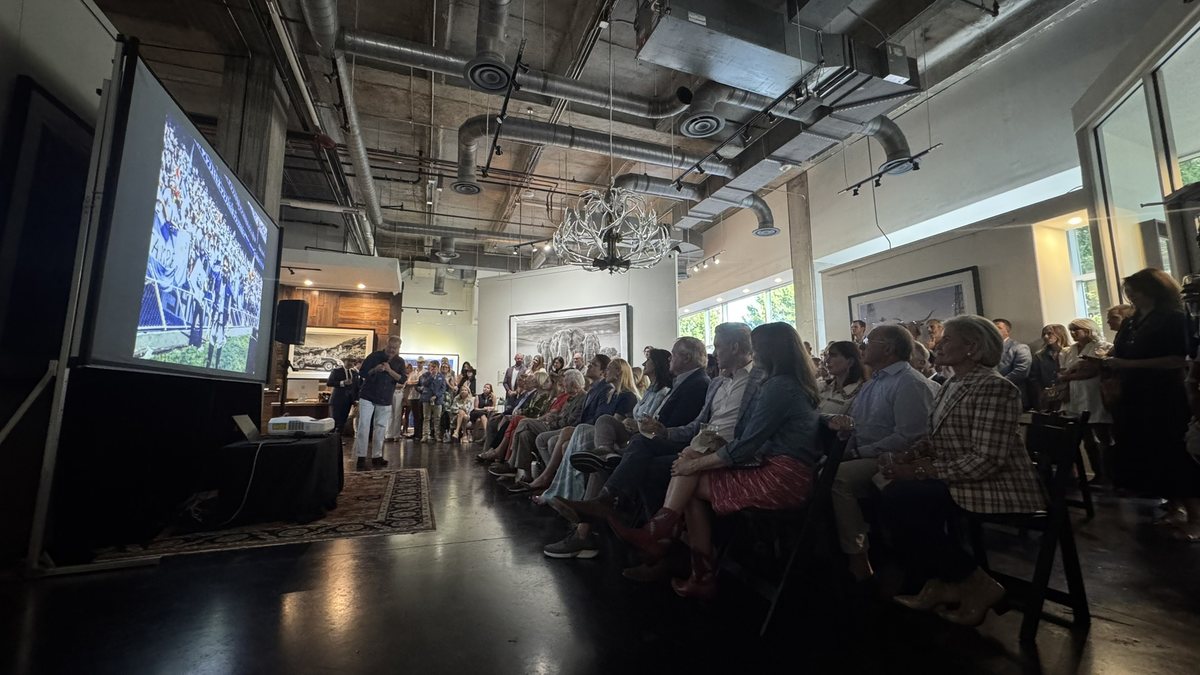
At a corporate general session in a Dallas hotel ballroom this year, with the house lights up and the windows uncovered, that screen kept the sponsor slides readable through the whole program.
Connecting your laptop
Most presentation trouble starts at the cable, so we plan the hookup before the day. Tell us what the presenters will bring, and we arrive with the right adapters for HDMI, USB-C and the common Mac and Windows ports, plus a cable run long enough to reach the lectern.
At load-in we connect your laptop, open your slides and check that the aspect ratio, the text and any embedded video look right on the screen. The presenter walks up to a screen that already works.
Projector or TV for a meeting?
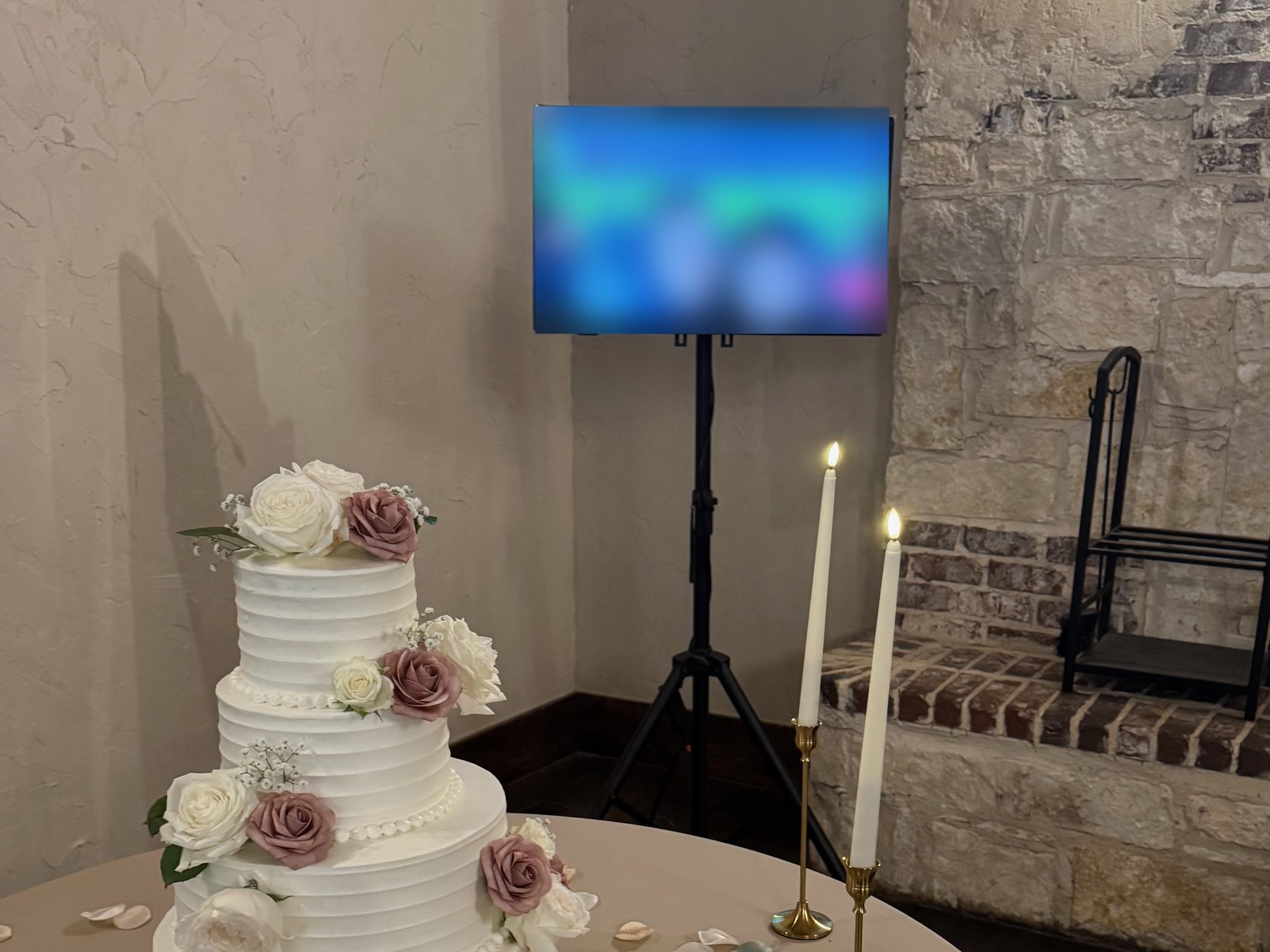
For a small huddle room, a large TV on a stand is often the simpler choice: it stays bright in any light and works as its own screen. Once the audience grows past the point where the back row can read a TV, a projector and screen give everyone a picture big enough to follow the numbers on a chart. Many corporate presentations use both, with the projector on the main screen and a TV on a stand as a confidence monitor facing the presenter, so they can see their slides while facing the audience.
Recording or streaming the presentation
If part of the team joins remotely, the same feed that drives the projector can go to a live stream or a recording, with the presenter’s microphone mixed in. We plan the stream with the projector so the slides look the same in the room and on the call.
Sound for the presenter and the video
A presentation usually needs more than a picture. If the deck has video, it needs speakers, and if the room holds more than a handful of people, the presenter needs a microphone. We bring a small PA system and wireless microphones on the same truck, and our AI-powered De-Feedback system keeps the microphones clear of squeal as the presenter walks the room.
Where a presentation projector fits
The same setup covers most business events in Dallas-Fort Worth:
- sales meetings and kickoffs
- training sessions and onboarding days
- client presentations and pitches
- conference breakout rooms
- board meetings and town halls
- awards dinners and recognition slides
- sponsor loops and branded visuals
The projector that runs your quarterly review also runs a wedding slideshow or a tribute video, and our projector and screen rental page covers those events too.
Planning your presentation setup
A few details make the quote quick and the day smooth:
- the room or venue, and how many people will sit in it
- whether the room has windows or lights that stay on
- what the presenters will connect, and whether the deck has video
- whether you need microphones or speakers
- when the room opens for setup
Send those to us and we reply with a quote within 24 hours, with the projector, screen and sound matched to the room.
Presentation projector questions
How bright should a projector be for a business presentation?
For a meeting room with the lights on, 4,000 lumens or more keeps slides readable. Our Epson PowerLite 700U is a 4,000 color lumen laser projector, and we pair it with an ambient light rejecting screen when a room has daylight.
Can I use my own laptop?
Yes. We bring adapters for HDMI, USB-C and common Mac and Windows ports, and we test your laptop and your slides at load-in.
Do I need a microphone for a presentation?
Once a room holds more than a small group, a wireless microphone helps everyone hear the presenter. We bring a PA and wireless microphones with our AI-powered De-Feedback system.
Do you deliver presentation projectors across Dallas-Fort Worth?
Yes. Our crew delivers, sets up, tests and picks up projector rentals across Dallas, Fort Worth and the surrounding cities.
Keep reading: what to know about corporate event audio services, corporate holiday party AV in Dallas and AV for corporate training sessions. For the service itself, see our projector and screen rental page.